How to convert Word to PDF
ToolVorax turns a Word document into a PDF in a few seconds. You don't need to install anything or create an account.
- Upload your Word file, or drag it into the box. You can add up to 10 files at once.
- Click Convert to PDF. Most files are done in a few seconds.
- Download each PDF as soon as it is ready, or all of them together as a ZIP.
Supported files
You can convert .doc, .docx, .odt and .rtf files, up to 20 MB each. That covers documents saved from Microsoft Word, LibreOffice Writer and WordPad, and Google Docs downloaded as .docx. There is no daily limit: add up to 10 files in one upload, and when they are done, start another.
What stays the same
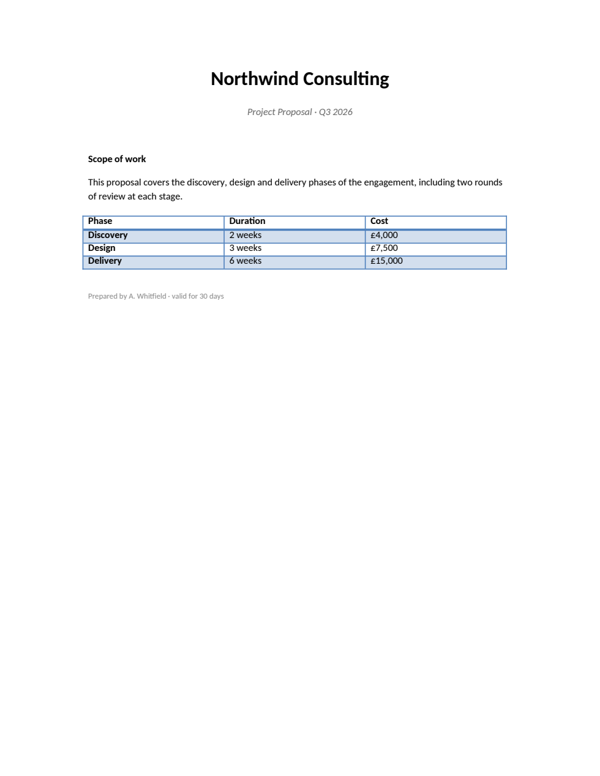
Your document is converted on ToolVorax's own server by LibreOffice, a full office suite, so it is laid out the way a word processor lays it out — not photographed. Layout, fonts, tables, headers and page breaks come across as they were.
The text in the PDF stays real text. You can select it, copy it and search it, because it is not an image of the page.
Is my file private?
Your file is converted on ToolVorax's own server and is never sent to any AI service. The PDF is available to download for one hour, then it is removed along with your original file. Only upload documents you have the right to share.
What you can use it for
- Job applications: send a CV or cover letter that looks the same on every screen.
- Students: hand in assignments and reports as a PDF when the portal asks for one.
- Office work: share letters, reports and invoices that keep their layout on any device.
- Forms and portals: many application and government websites accept only PDF uploads.
- Records: keep a searchable PDF copy of the documents you need to find again.
Frequently asked questions
Is this Word to PDF converter free?
Yes. It is free, with no daily limit and no sign-up.
How do I convert a Word document to PDF?
Upload your .doc or .docx file, click Convert to PDF, and download the PDF when it is ready. It usually takes a few seconds.
Which file types can I convert?
.doc, .docx, .odt and .rtf files, up to 20 MB each.
Can I convert several files at once?
Yes. Add up to 10 files in one upload. Each PDF is ready to download as soon as it is converted, and you can download them all together as a ZIP.
Will my formatting stay the same?
Yes. The conversion uses LibreOffice, so layout, fonts, tables, headers and page breaks come across as they were.
Can I select and search the text in the PDF?
Yes. The text stays real text, not an image, so you can select, copy and search it.
Is my file sent to an AI service?
No. Your file is converted on ToolVorax's own server with LibreOffice and is never sent to any AI service. The PDF is available for one hour, then removed.
Does it work on mobile?
Yes. It works in any modern browser on Android, iPhone, tablets and computers.