
How to convert an image to text
ToolVorax turns the text in any image into editable text in a few seconds. You don't need to install anything or create an account.
- Upload your image or PDF, or drag it into the box. You can add several files at once.
- Choose Simple, which is free and handles most printed and handwritten pages. With a plan, choose Intelligent for messy handwriting and crowded pages.
- Click Read. Most files are done in 5 to 20 seconds.
- Copy the text, or download it as a Word file, searchable PDF, TXT or JSON.
Supported files and formats
You can extract text from JPG, PNG, WEBP and HEIC images, and from scanned PDF files, up to 15 MB each. That covers phone photos, screenshots, scanned pages and PDFs that contain images instead of real text. If your PDF text can't be selected or searched, it's a scanned PDF, and this tool will read it.
Handwriting to text
Most free OCR tools only read printed text. ToolVorax also reads handwriting: class notes, filled-in forms, letters and notebook pages. Simple mode reads clear handwriting for free. For messy or joined-up writing, Intelligent mode, which comes with a plan, uses a stronger reader that finds more detail. Clear, well-lit photos give the best results.
Download your text as Word, PDF, TXT or JSON
You don't just get text to copy. You can download the result as:
- Word (.docx) – to edit and format the text
- Searchable PDF – your original page, with text you can select and search
- Plain text (.txt) – for notes, emails or anywhere you paste text
- JSON – for developers who want structured output
Choose the format that suits how you'll use the text.
Simple vs Intelligent mode
Simple mode is fast and accurate for typed or printed documents, receipts and screenshots. It is free: you get free documents every day with no sign-up, and each file uses 1. Intelligent mode is for difficult files: handwriting, low-quality photos and busy pages with tables or columns. It comes with a ToolVorax plan, uses 2 documents from your plan for each file, and finds more detail.
Is my file private?
Your file is sent over an encrypted connection to Google's Gemini AI, which reads the text. ToolVorax deletes its copy of your file automatically within one hour. Only upload documents you have the right to share.
What you can use it for
- Students: turn photos of handwritten notes or textbook pages into editable text.
- Office work: digitize printed letters, contracts and old documents without retyping.
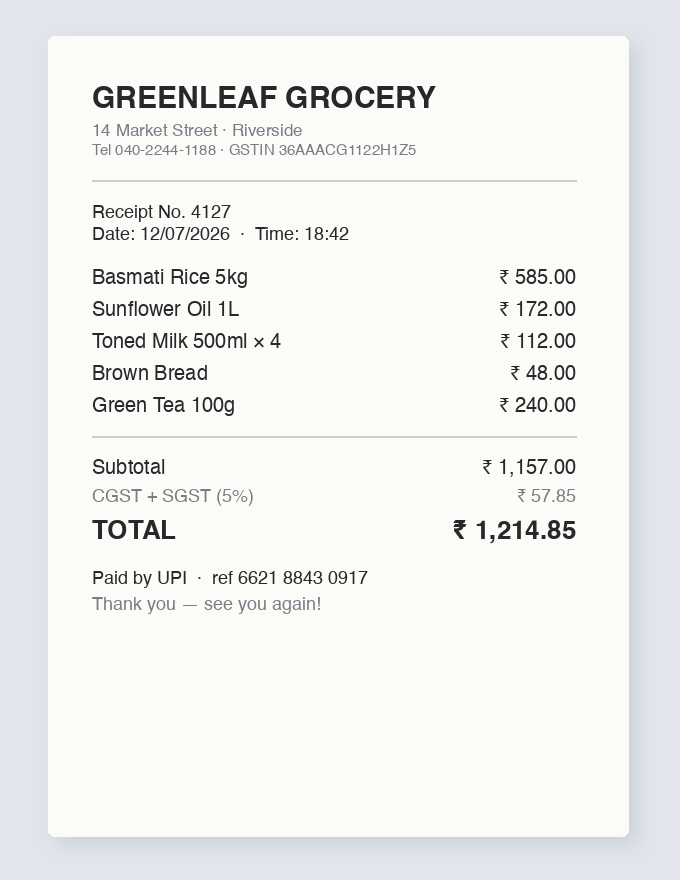
- Receipts and invoices: pull out amounts, dates and items for expense records.
- Screenshots: copy text from images, social media posts or apps that don't allow copying.
- Data entry: convert printed or handwritten forms into text you can paste into a spreadsheet.
Frequently asked questions
Is this image to text converter free?
Yes. Simple mode is free: you get free documents every day with no sign-up, and each file uses 1. Intelligent mode comes with a plan and uses 2 documents per file.
How do I extract text from an image?
Upload the image, choose Simple or Intelligent mode, and click Read. When it's done, copy the text or download it as Word, PDF, TXT or JSON.
Can it read handwriting?
Yes. Simple mode reads clear handwritten notes, forms and letters for free; Intelligent mode, which comes with a plan, finds more detail in messy writing. Clear, well-lit photos give the best results.
Can I convert an image to a Word document?
Yes. After the text is read, download it as a .docx file and edit it in Microsoft Word or Google Docs.
Can I extract text from a scanned PDF?
Yes. Upload the PDF and the tool reads the text from each page. You can download the result as a searchable PDF.
Which image formats are supported?
JPG, PNG, WEBP, HEIC and PDF files, up to 15 MB each. You can upload several files at once.
Are my files safe?
Your file is sent securely to Google's Gemini AI to read the text, and ToolVorax deletes its copy within one hour.
Does it work on mobile?
Yes. It works in any modern browser on Android, iPhone, tablets and computers, so you can photograph a page and convert it straight away.